Everyday
In every app
- 3-finger tap Middle click
- Mouse buttons 4 and 5 Back and forward, in browsers and Finder
Trill makes your Mac's trackpad do more, and taps back when it does. Switch on a ready-made set of gestures, or record your own by doing it.
Free for 24 hours. For macOS 14 or later, on Apple silicon and Intel.
Each ring is a tick you feel on a Force Touch trackpad. Click the trackpad to try one.
Each Gesture Set is a few gestures for one kind of work, ready to switch on. The first time you open Trill, it suggests the sets that fit the apps already on your Mac.

In every app
Safari, Chrome, Arc, Firefox, Edge, Brave and Orion
In every app
In every app
Pages, Word, Notes, Bear, Obsidian, Ulysses and iA Writer
Xcode, VS Code, Cursor, Terminal, iTerm, Ghostty and Warp
Press New gesture and do it on the trackpad. Trill names the gesture it saw, you pick what it does, and it reads back as a sentence you can check at a glance.
In Safari, a 5-finger tap plays or pauses music.

More than a hundred actions: press any keyboard shortcut, type text, open an app, a file or a link, run one of your Apple Shortcuts or a script, control music, volume and brightness, switch tabs, or move a window. Each gesture works everywhere, or only in the apps you choose.
Turn on the Hyper Key and Caps Lock turns into ✦. Hold it and press any key, and that key arrives with Control, Option, Shift and Command at once. Almost no app uses that combination, so shortcuts you build on it rarely clash. Tapped on its own, it sends Escape, or still toggles Caps Lock if you prefer.
Any shortcut can run any action, not only Hyper ones: give ⇧⌘D a job in Safari and it does that job only there.

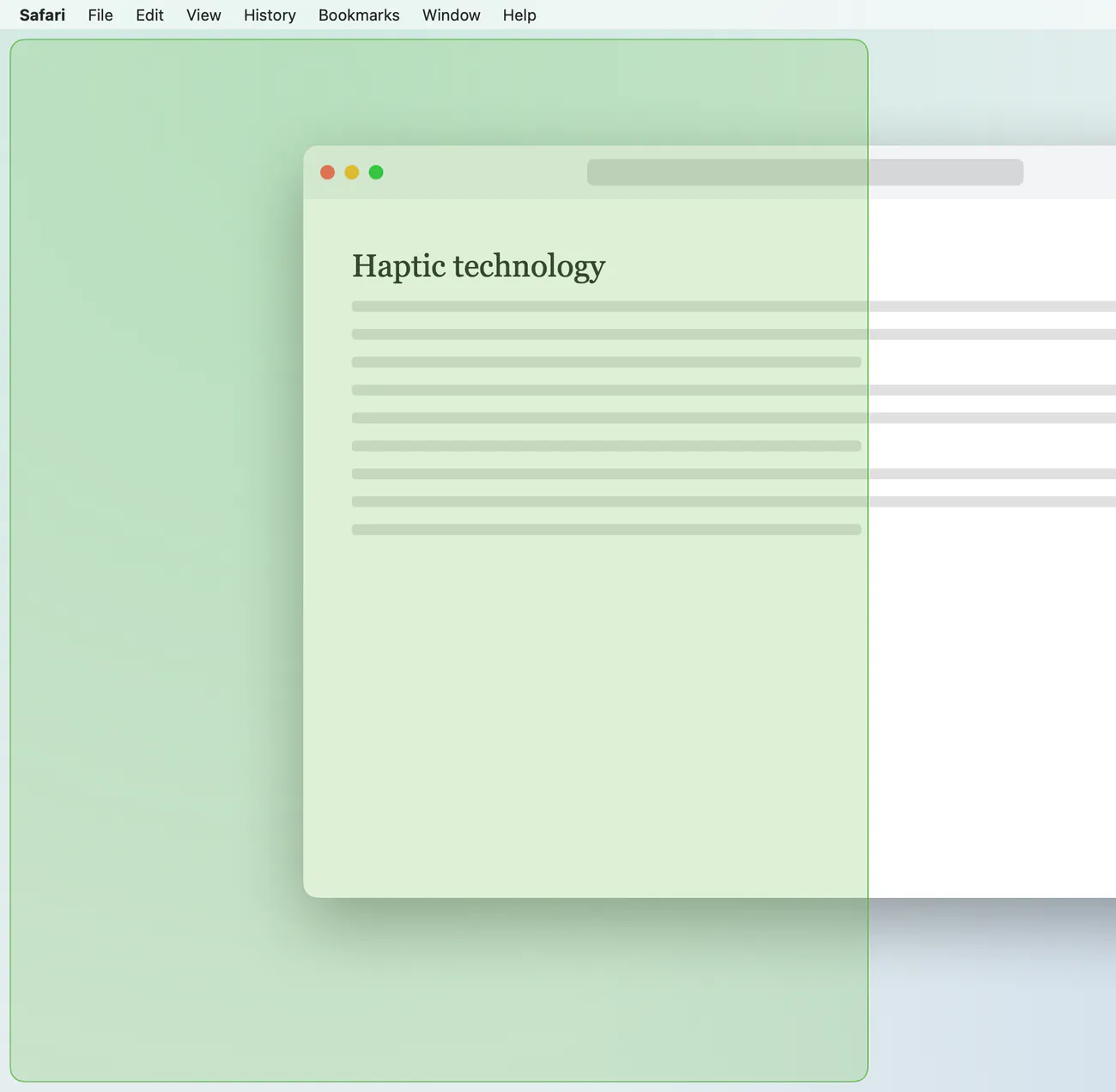
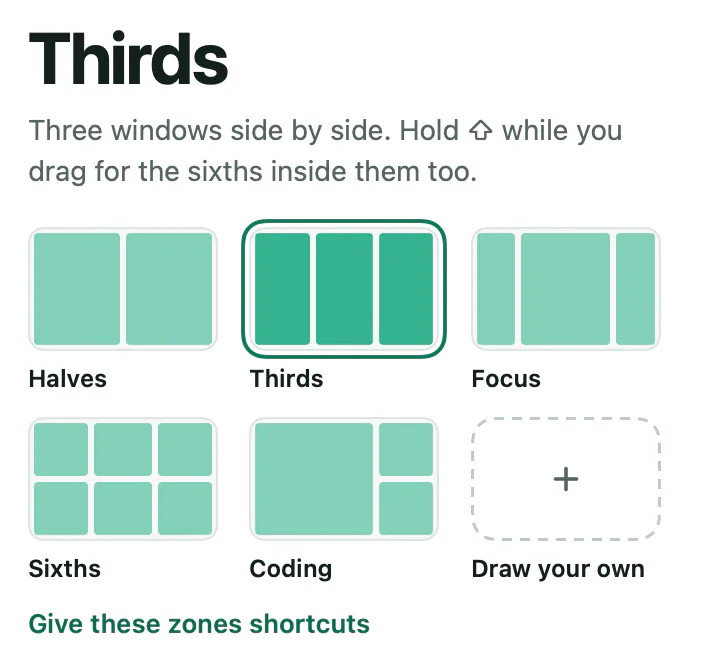
Drag a window to an edge for a half, or to a corner for a quarter. A translucent preview, in your Mac's accent colour, shows where it will land before you let go.
On a Force Touch trackpad, Trill taps back the moment it knows what you did, before the action runs, so you stop glancing at the screen to check.
Haptics need a Force Touch trackpad. On any other trackpad, Trill shows each gesture on screen instead. Keyboards can't vibrate, so a shortcut is felt only with a finger resting on the trackpad.
One clear pulse, as your finger would feel it.
One strength for everything you feel. Try one.
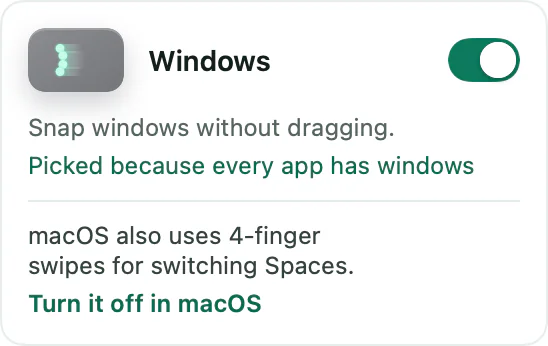
macOS keeps gestures of its own, like four fingers to switch Spaces or three to Look Up. If one of yours is the same, both would fire. So Trill keeps yours off, says why, and offers the fix in one click.
Every macOS setting Trill changes is written down, and Put back returns them exactly as they were.

Every feature is free for 24 hours from the first launch, no card needed. If Trill earns its place, one payment keeps it on up to three Macs.
$29one time
Secure checkout by Dodo Payments, our merchant of record. Your license key arrives by email; paste it into Trill from the menu bar icon, then Settings, then License.
Needs macOS 14 Sonoma or later and a trackpad, built in or a Magic Trackpad. Runs natively on Apple silicon and Intel. Version 1.7.3, signed and notarized by Apple.
Yes, for people who found BetterTouchTool too much to set up. Trill starts with ready-made Gesture Sets you switch on, and you make a new gesture by doing it on the trackpad rather than picking it from a list. Gestures, shortcuts with a Hyper Key, and window snapping live in one app.
A MacBook's built-in trackpad or a Magic Trackpad. Haptics need a Force Touch trackpad; on other trackpads Trill shows each gesture on screen instead. Without a trackpad, your shortcuts, the Hyper Key and window snapping still work.
No. When one of your gestures is one macOS also uses, Trill keeps yours off until you choose: turn it off in macOS with one click, or pick another gesture. Trill changes a macOS setting only when you click that fix, and Put back restores every one.
Accessibility, so it can press keys and clicks for your gestures and move windows when you snap them. macOS asks once. Without it, gestures can still open apps, files and links. If macOS needs Input Monitoring for the Hyper Key, Trill asks for that too, and Screen Recording only if you use one of the screenshot actions.
Every feature works for 24 hours from the first launch, and the menu shows how much time is left. When it ends, gestures, shortcuts, the Hyper Key and drag to snap stop until you enter a license key, and everything you set up is kept. Trill's window still opens, so you can enter a key whenever you are ready.
Only to check your license with Dodo Payments, our merchant of record, and to look for updates on everydaymactools.com. Touches are read on your Mac and never stored or sent, and there are no analytics in the app. The privacy page has the details.
Any Mac with macOS 14 Sonoma or later, Apple silicon or Intel. It is one universal app.
Within 30 days of buying, yes, for any reason or none. Email hey@everydaymactools.com and it is done. Our refund policy gives every app at least seven days; Trill gives you thirty.
Turn on a set, tap with three fingers, and feel it tap back.